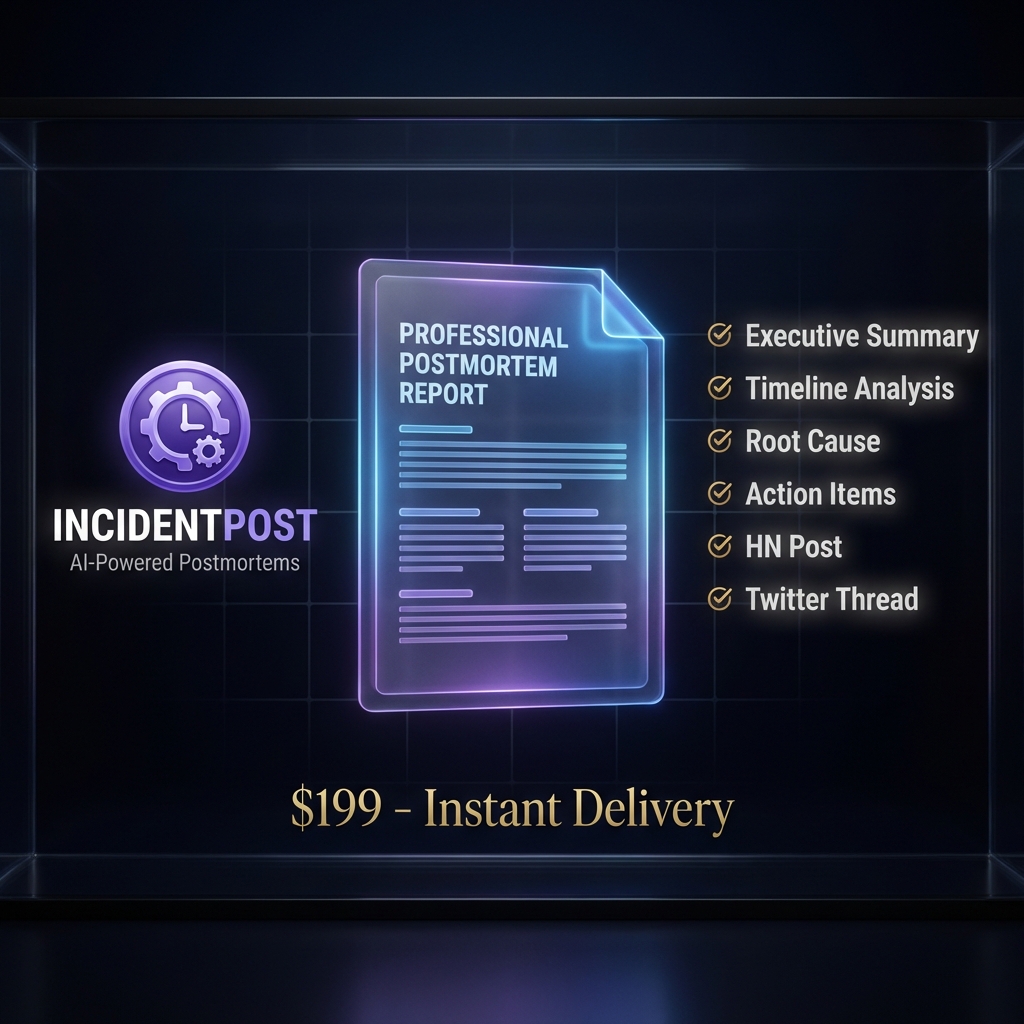
Write postmortems
without the burnout.
Don't let "write postmortem" sit on your todo list for weeks. Turn messy Slack logs into a professional Root Cause Analysis in 2 minutes.
Three steps to clarity
From chaos to professional postmortem in under 2 minutes
Paste Your Timeline
Dump your Slack logs, timestamps, and raw incident notes. No formatting needed — just paste and go.
AI Generates Report
Our AI transforms chaos into a structured, professional incident report with root cause analysis in seconds.
Publish & Share
Get a public page with SEO, HN post draft, and Twitter thread. Share with one click.
Built for engineers who value clarity
No subscriptions. No hidden fees. Pay only when you need it.
2 Minutes
From raw chaos to published postmortem. Not hours—minutes.
Your Data Stays Yours
Never stored. Never shared. Never used for AI training.
48-Hour Refund
Not satisfied? Full refund, no questions asked. Zero risk.
What you get in seconds
Our AI transforms your raw input into a complete, professional postmortem
Executive Summary
Clear, concise overview for leadership and stakeholders
Timeline Reconstruction
Chronological events with precise timestamps extracted
Root Cause Analysis
5 Whys methodology to find the true underlying cause
Action Items
Specific, measurable remediation steps with owners
Customer Apology
Professional external communication ready to publish
Export Pack
Markdown, PDF, Twitter thread, and HN post draft
Following Google SRE Guidelines
Our AI is trained on industry best practices for incident management, ensuring your postmortems meet enterprise standards.
- Blameless culture focus
- 5 Whys root cause methodology
- SMART action items
- Impact quantification
## Executive Summary On Jan 12, 2026, users experienced... ## Timeline - 14:32 UTC: Alert triggered - 14:35 UTC: Team notified ## Root Cause Database connection pool... Common Questions
How does the AI postmortem generator work?
IncidentPost uses advanced LLMs to analyze your raw input (Slack logs, notes). It reconstructs the timeline, identifies the root cause, and writes a structured report following Google SRE standards.
Is my incident data private and secure?
Yes. We operate on a strict Zero-Retention policy. Your data is processed in-memory to generate the report and is immediately discarded. We never train models on your data.
Is it compatible with PagerDuty, Jira, and Slack?
We work with text. If you can copy the text from PagerDuty, Jira, Slack, or any other tool, we can process it. No complex integrations required.
Can I edit the AI-generated postmortem?
Absolutely. The AI provides a solid 90% draft. You get a full Markdown editor to refine details, adjust the timeline, and polish the language before exporting.
What format are the incident reports?
Reports follow industry-standard SRE best practices: Executive Summary, Timeline, Impact, Detection, Response, Root Cause Analysis (5 Whys), and Action Items.
Can I use this for public status pages?
Yes. The output is perfect for public communication. We generate a "Public Status Update" version specifically designed for customer-facing updates.
Stop procrastinating.
Start shipping.
Generate your first AI postmortem in the next 2 minutes.
Generate Postmortem Now