Ship postmortems
in minutes, not hours.
Paste your raw incident timeline. AI transforms chaos into a professional, shareable postmortem with root cause, timeline, and action items.





500+ SREs & DevOps Engineers finding proven solutions
Engineered for Absolute Trust
Join 500+ SREs & DevOps Engineers shipping postmortems faster
The postmortem tool is honestly the first thing I use after any incident now. It found 3 critical action items I completely missed in my handwritten notes during the chaos. After implementing those fixes, we saw a 40% reduction in repeat incidents over the next quarter. Game changer for our on-call rotation.

IncidentPost showed me exactly what went wrong in seconds. Instead of guessing at root causes, I built fixes around real data from the timeline analysis. Now it's helping thousands of our customers stay reliable. The AI actually understands SRE workflows, not just generic incident management.

Dude... the timeline reconstruction is insane. Stakeholders who used to completely ignore my postmortems now actually read them cover to cover. Easy wins! The tool turned our Slack chaos into a clear, professional narrative that even non-technical executives could follow and approve budget for fixes.
I was drowning in incident notes and kept making the same mistakes every week. So I asked myself why not automate this entire process? Now I have a professional, board-ready report in under 2 minutes instead of spending my entire weekend writing it. My work-life balance actually exists again.

Used to spend 4-5 hours minimum writing postmortems after every major incident. Now I just paste our Slack logs and get a polished, executive-ready report with proper formatting and action items. First time my VP actually complimented an incident report instead of asking for revisions.
No more all-nighters trying to piece together what happened during a P0 incident. The AI actually understands SRE best practices and Google's postmortem template. We saved 3+ hours on our last critical outage and the report quality was better than anything I could write manually.
The root cause analysis was spot-on - it identified issues I hadn't even considered. Turned complete chaos into crystal-clear clarity in 2 minutes flat. My manager genuinely thought I spent the entire weekend on it. The timeline visualization alone is worth the price.

Best $199 I've spent on tooling this entire year. One major incident and it's already paid for itself in time saved. The automatically generated HN post draft and Twitter thread were unexpected bonuses that helped us turn a crisis into a transparency win with our community.

Our entire engineering team uses this for every single major incident now. The consistency and speed are absolutely unmatched. Finally, we have postmortem reports that stakeholders actually read and reference in future planning meetings instead of filing away and forgetting.

The action items section is always immediately actionable - no generic fluff, just exactly what needs to be done with proper priority. My team ships reliability fixes 2x faster now because we're not debating what the postmortem actually means. Clear, concise, professional.

The privacy-first, zero data retention approach means I can confidently use this for our most sensitive customer-facing incidents. Our compliance team actually approved it, which never happens with third-party tools. Plus the markdown export integrates perfectly with our internal wiki.

Finally, a tool that doesn't require an expensive monthly subscription. Pay once, own the report forever, use it as many times as needed. Perfect for bootstrapped startups like us who can't justify another $50/month SaaS bill but still need professional incident documentation.
The postmortem tool is the first thing I use after any incident. It found 3 action items I completely missed in my notes. Fixed them and saw a 40% reduction in repeat incidents.
IncidentPost showed me what went wrong in seconds. Instead of guessing, I built a fix around real root causes - now it's helping thousands stay reliable.
Dude... the timeline section is insane. Stakeholders who used to ignore reports now actually read them. Easy wins! Turned our chaos into a clear narrative.
I was drowning in incident notes and kept making the same mistakes. So I asked myself why not automate this? Now I have a professional report in 2 minutes.
Three steps to clarity
From chaos to professional postmortem in under 2 minutes
Paste Your Timeline
Dump your Slack logs, timestamps, and raw incident notes. No formatting needed — just paste and go.
AI Generates Report
Our AI transforms chaos into a structured, professional incident report with root cause analysis in seconds.
Publish & Share
Get a public page with SEO, HN post draft, and Twitter thread. Share with one click.
Built for engineers who value clarity
No subscriptions. No hidden fees. Pay only when you need it.
2 Minutes
From raw chaos to published postmortem. Not hours—minutes.
Your Data Stays Yours
Never stored. Never shared. Never used for AI training.
48-Hour Refund
Not satisfied? Full refund, no questions asked. Zero risk.
Everything you need, nothing you don't
One-time payment, no subscriptions. Own your postmortem forever.
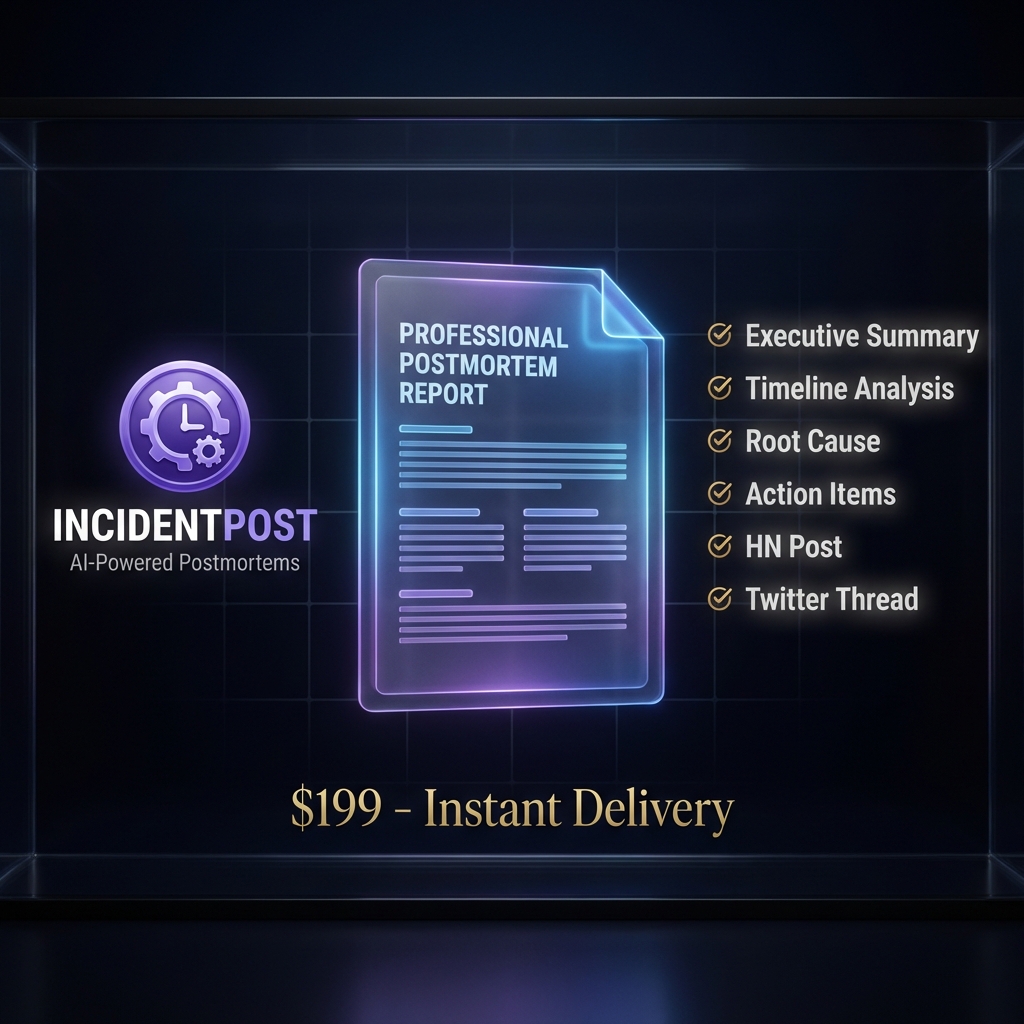
Full Postmortem Report
- Executive summary
- Chronological timeline
- Root cause analysis
- Mitigations taken
- Action items
- Professional apology
Public Incident Page
- Shareable URL
- SEO optimized
- Mobile responsive
- Professional design
- Your branding
Download Pack
- Markdown file
- Timeline SVG
- HN post draft
- Twitter thread
- ZIP download
Frequently Asked
Questions
Everything you need to know about IncidentPost. Can't find the answer you're looking for? Reach out to our support team.
Try It FreeHow does IncidentPost generate postmortems?
IncidentPost uses advanced AI (Google Gemini) to analyze your raw Slack logs, notes, or timeline data. It reconstructs the sequence of events, identifies the root cause using the 5 Whys methodology, and generates a professional SRE-standard report in seconds.
Is my incident data private and secure?
Absolutely. We operate on a strict Zero-Retention policy. Your data is processed in-memory to generate the report and is immediately discarded. We never store or train models on your incident data.
Can I edit the AI-generated postmortem?
Yes! The AI provides a solid 90% draft. You get a full Markdown editor to refine details, adjust the timeline, and polish the language before exporting to PDF or publishing publicly.
Do I need to sign up to use IncidentPost?
No signup required! You can generate and preview your postmortem completely free. You only pay when you're ready to unlock the full report, publish, or download the export pack.
What's included in the download pack?
You get a complete package: Markdown file, HN post draft, Twitter thread, timeline SVG, and a professional public page with SEO optimization. All in a convenient ZIP download.
Production is down.
Your users are waiting.
Get a professional postmortem in 2 minutes, not 2 hours.
Generate Postmortem Now